

Apps
Build and run Python/JS apps on your governed data in Keboola — what apps are, how to build them with Kai or locally, how to run and share them, and real examples.
Apps let you build interactive applications — dashboards, tools, internal apps — directly on top of your data in Keboola. The app runs in your project’s governed space, so it can only reach the data you already have access to. No separate hosting, no shadow IT.
What a Keboola app is
Section titled “What a Keboola app is”A Keboola app is a Python/JS application hosted by your project. It runs next to your data and gets its own URL you can share. Apps sleep when idle and wake on the first visit, and a sleeping app costs nothing. While an app is awake, including the idle wait before it sleeps, it uses time credits at an hourly rate set by its framework (Python/JS or Streamlit) and backend size; Project Limits lists the rates. There’s no infrastructure to manage and nothing is copied to an outside service — the app reads Storage through the project’s own permissions.
You can put an app in front of anyone: your team (behind authentication), a client, or the public. And an app isn’t limited to human visitors — it can expose an API or an MCP server so other agents and services can call it.
For the full explanation — how apps fit into the platform and how they’re isolated — see What are Keboola apps.
What people build
Section titled “What people build”Dashboards and reports, internal tools, data narratives, configurators, and agent-facing services — see what you can build for the full picture. Dashboards are just the start: Beyond dashboards below shows the range.
Two ways to build
Section titled “Two ways to build”- Build with Kai: describe the app in plain language and Kai reads your data, builds a live draft you preview and refine, and publishes when you’re ready. No coding needed; the walkthrough takes about 10 minutes. The same Create App screen also offers manual creation if you’d rather configure the app yourself. You need: a Keboola project. Nothing else.
- Build locally: build on your own computer, for developers who want full control. With an AI agent, you ask Claude Code, Claude Desktop, Cursor, VS Code or the ChatGPT app for the app in one prompt, and with Keboola’s
dataapp-developerplugin and kbagent it reads your data, writes the code, creates the app and deploys it. By hand, you write the code and create the app from a terminal or connect your own repository. You need: for the agent, kbagent connected to your project and one of those clients; by hand, kbagent or a Git account and somewhere to host the repository, and about half an hour the first time.
On both routes, a Python/JS app ends up in a Git repository, either one Keboola manages for the app or one you host. Two ways to run an app explains what each gives you, including why the Kai builder appears on one and not the other.
Run and share
Section titled “Run and share”Every app has its own settings page in Apps: who can open it (Authentication — public, password, or your company SSO), its URL and how to publish and share it, and operational settings like backend size and auto-sleep (Reference). Deploying and redeploying is one click; logs are right on the app’s detail. Once it’s live, Operate and update an app covers the day-to-day work and Troubleshooting covers the days it goes wrong.
Beyond dashboards
Section titled “Beyond dashboards”Apps go far beyond dashboards — live data narratives, internal tools, configurators, even games. These three were built with Kai during Keboola’s internal app competition; each turns real data into something interactive and genuinely useful, built the same way you’d build an everyday internal tool: describe what you want to Kai, on top of your Storage data.
The links below open real, running apps that sleep when idle — the first load may take a few seconds to wake.
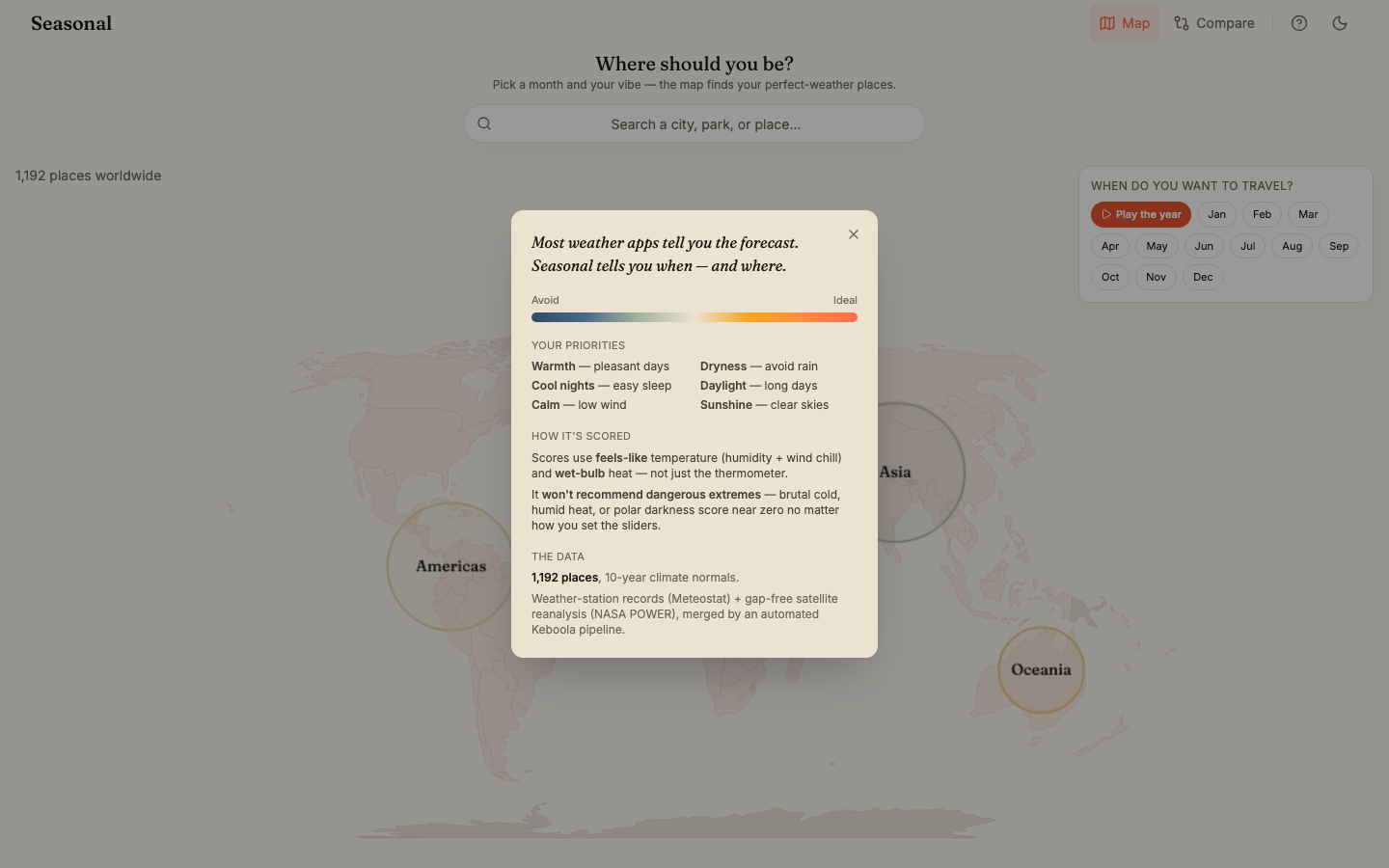
Seasonal — when and where to travel
Section titled “Seasonal — when and where to travel”Pick a month and dial in what you care about — warmth, dryness, cool nights, long daylight, calm winds, sunshine — and Seasonal scores 1,192 destinations worldwide to find where the weather actually fits you, and when. Play the whole year as an animation, compare destinations side by side, and jump straight to Google Flights. It turns a dry weather dataset into a real consumer product, not a report.
- Live app: https://seasonal-74013643.hub.europe-west3.gcp.keboola.com/
- Data: 10-year climate normals from Meteostat weather-station records and NASA POWER satellite reanalysis, merged by an automated Keboola pipeline.
- Built by Maxmilian Ottomansky.
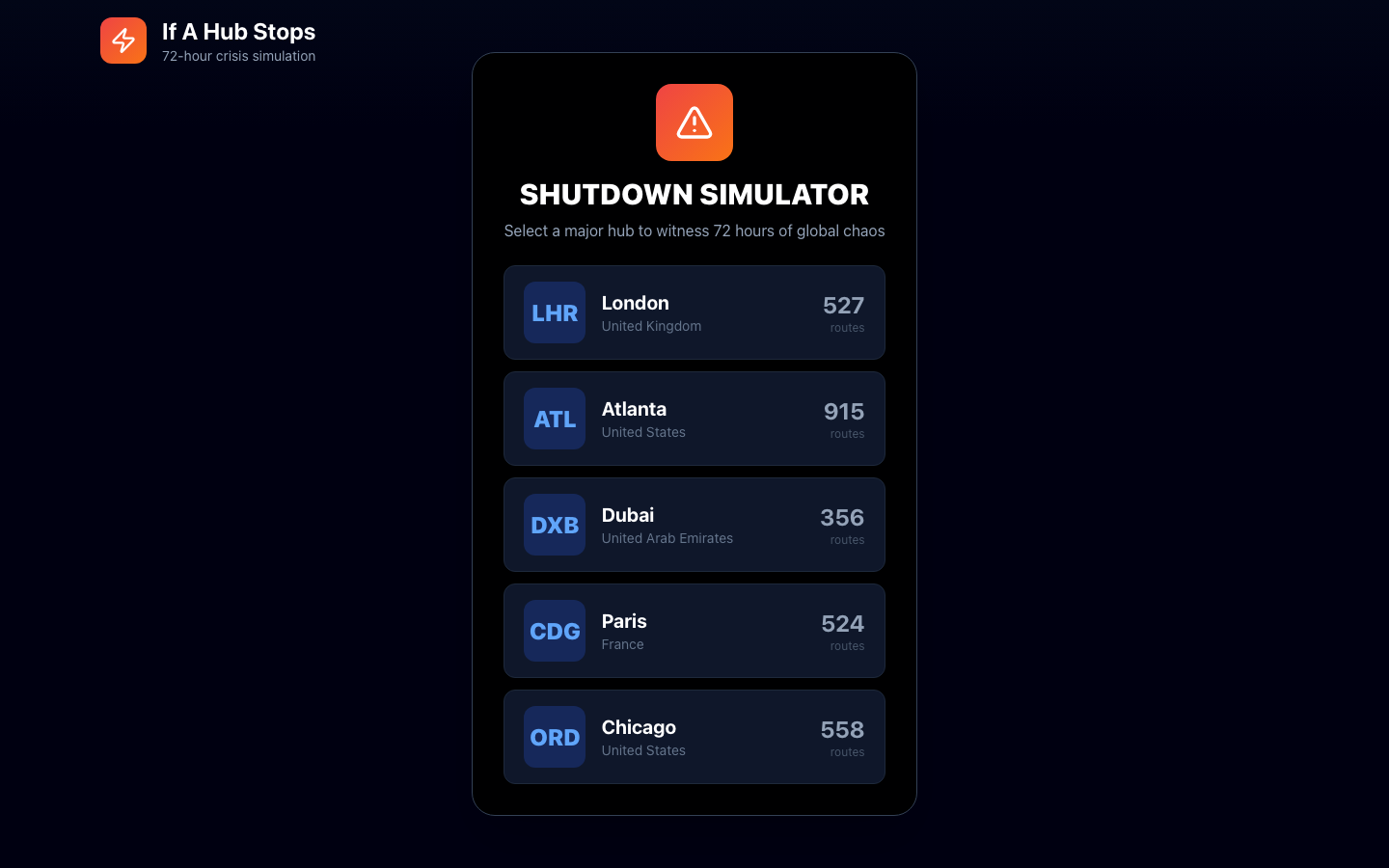
Global Flight Shockwave Simulator — if a hub stops
Section titled “Global Flight Shockwave Simulator — if a hub stops”Pick a major airport hub — Heathrow, Atlanta, Dubai, Paris CDG, or Chicago O’Hare — and watch a 72-hour animated simulation of how shutting it down cascades through the global flight network, with an optional voiceover narrating the fallout. It shows an app can be an immersive, cinematic simulation — not just charts.
- Live app: https://flight-shockwave-1304626299.hub.keboola.com/
- Built by Michaela Zajacova.
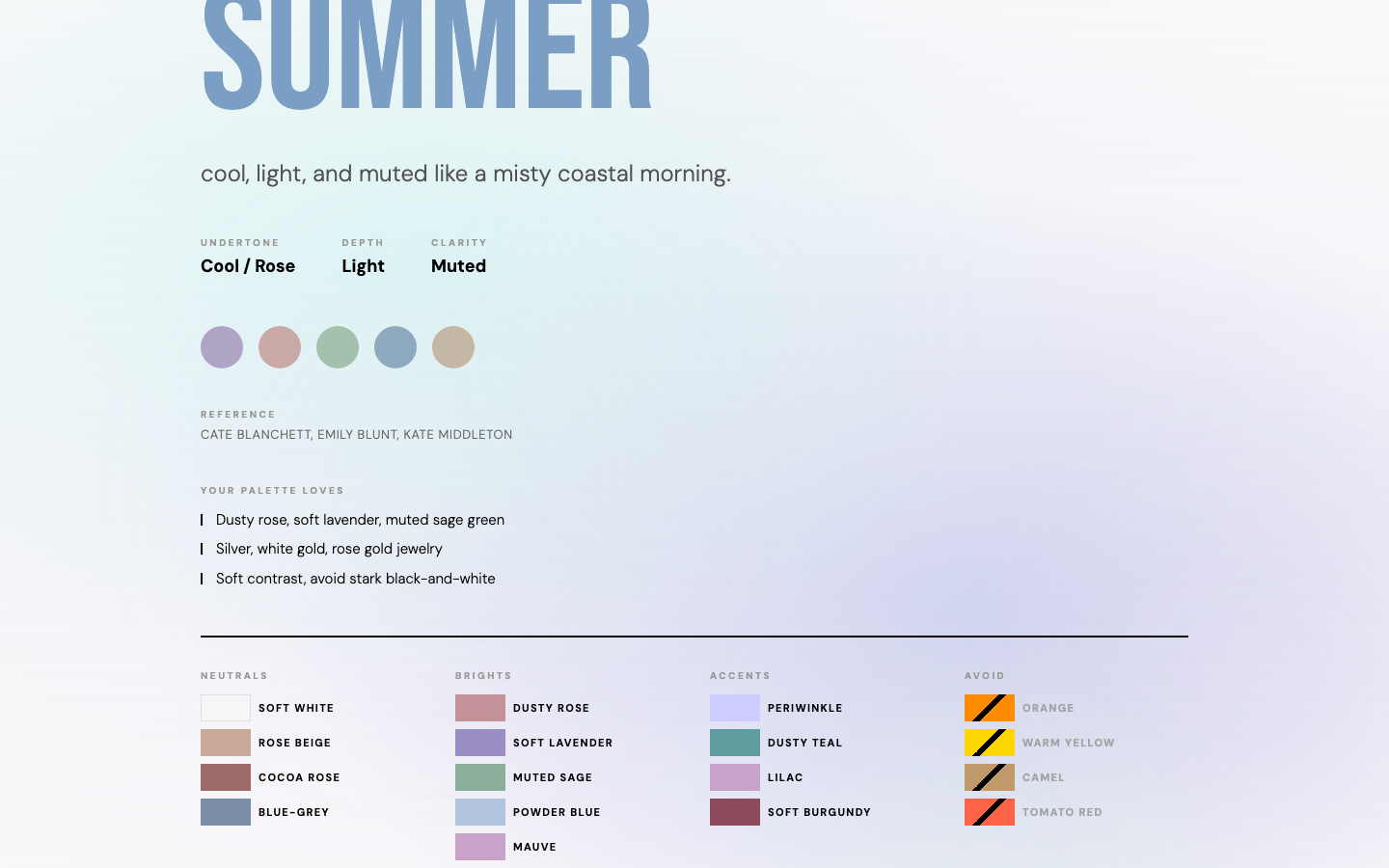
Color Season Analyzer — understanding your palette
Section titled “Color Season Analyzer — understanding your palette”An editorial, scrollytelling guide to personal color analysis — from Itten’s Bauhaus color studies to today’s four-season framework, with swatch sets and curated palettes per season. A soft, designed, consumer-grade experience built on the very same platform as your team’s dashboards.
- Live app: https://color-season-analyzer-43672911.hub.us-east4.gcp.keboola.com/
- Built by Andrea Nováková.
A note on frameworks
Section titled “A note on frameworks”Keboola apps run on Python/JS — that’s what Kai builds and the forward path for new apps. Streamlit remains supported for existing apps; its docs live in their own section.
Next: What are Keboola apps →